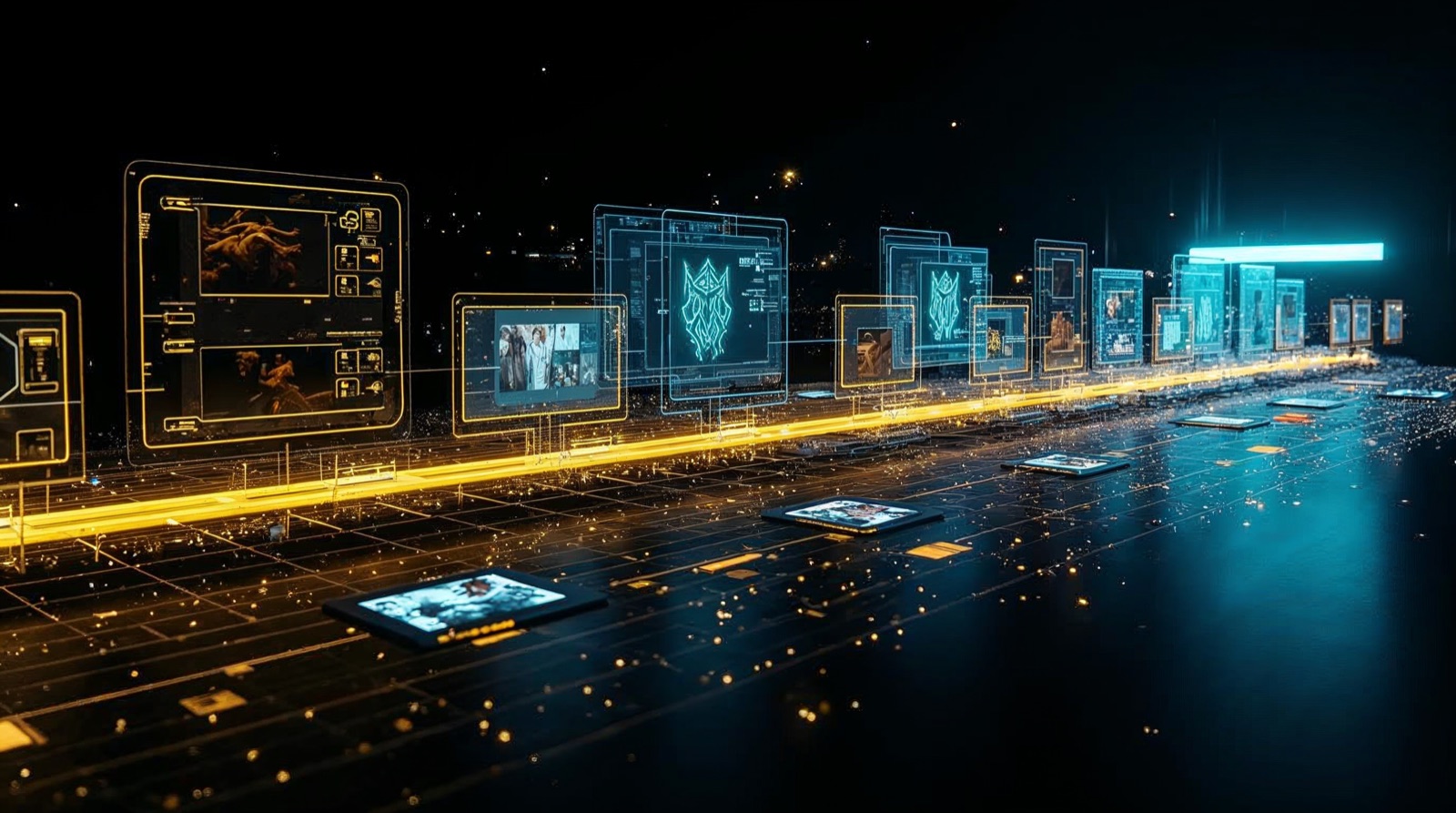
How many browser tabs do you have open right now? One for image generation, one for the video tool, one for stock music, one for upscaling, one for voice-over — and one where you're checking why your credits ran out again. This is exactly where the problem nearly every AI creator knows begins. And it's exactly where your own AI video studio comes in.
Sound familiar? Ever burned 15 credits on a failed clip?The problem: too many tools, no workflow
The truth behind the perfect AI videos on LinkedIn is unsexy. Nobody shows the hours in between — the constant uploading and downloading, the tool-hopping, the credits slipping through your fingers. My day looked like this:
- Too many tools — each does one thing brilliantly, none does the whole process.
- Constant upload/download — every step means: export, upload elsewhere, wait, download.
- Credits vanish — subscription plus pay-per-credit, and a failed render costs anyway.
- Browser tabs explode — twelve tabs, and the creative thread snapped long ago.
- No continuous workflow — you're the middleware holding it all together by hand.
The frustrating part: every single tool is great. Runway is strong, Kling moves realistically, Veo generates impressively. But they don't talk to each other. You are the cable in between.
The turning point: I'd had enough
One evening, eleven tabs open and a 30-second clip rejected for the third time, it hit me: the problem isn't the AI. The problem is that I'm trying to assemble a studio out of separate web interfaces. I wanted one interface that connects everything. No twelve tabs — one place where I describe what should happen, and the rest runs automatically.
The solution: your own AI video studio
Instead of subscribing to the next all-in-one platform, I addressed the models directly — via their API, orchestrated by Claude Code. The result isn't a tool, it's a system: Claude Code handles the entire orchestration between all the video AIs, so you can focus on ideas instead of copy & paste.
- Why no all-in-one platform covers your whole workflow — and why API-first wins long-term
- How Claude Code orchestrates Kling, Veo, Seedance and fal.ai from one interface
- The honest cost comparison, when a studio pays off — and my mistakes, so you understand what really matters
The full case study — architecture, the real technical snags, the cost comparison, my mistakes and the roadmap — is in the full version:
Full version, free for an email
Architecture, API-first design, cost comparison (Runway vs. fal.ai vs. Kling API vs. your own workflow), my mistakes, scaling and the roadmap — plus who's new on the team as of today. Enter once, unlock instantly.
Why Runway no longer fit my workflow
Don't get me wrong: Runway is a strong tool. But "strong in one discipline" isn't the same as "my complete workflow". My breaking point came over a banal detail. I wanted to turn a 30-second video into a new character. The response:
A trifle — and yet the straw that broke the camel's back. Suddenly it was about framerates, codecs, bitrates, API limits and credit systems instead of creativity. That's when it hit me: as long as I'm bound to a single platform, I'm fighting its limits instead of building my own workflow.
Why I chose Claude Code
The good models live behind APIs anyway — and fal.ai bundles many of them behind a single key: Kling, Veo, Seedance and more. So the question wasn't "which platform" but "why not address the models directly?". Claude Code was the answer because it is exactly the bridge: it reads my instruction in natural language, calls the right API, fixes format issues along the way and files the result neatly.
What's in it for you: you describe what should happen. Claude Code handles the entire orchestration between all the video AIs — you focus on the idea, not on copy & paste across twelve tabs.
Why APIs beat browser tools long-term
This is the point most people underestimate. A web interface is convenient for the first click — and a dead end for everything after. APIs win long-term for four reasons:
- Automation: whatever you solve once in the pipeline — format fix, segmentation, file handling — you never do by hand again.
- Swappability: a new, better model is just a new endpoint. No platform switch, no new subscription.
- Cost control: you pay per render, not for standby. Every clip has a traceable price.
- No lock-in: your workflow belongs to you, not the platform.
When a studio pays off — and when it doesn't
Staying honest is part of it. Your own AI video studio isn't the right call for everyone.
… you produce regularly, need speed, combine several models and want cost control. The moment you catch yourself swearing while tool-hopping, the setup pays off.
… you make one video a month. Then a finished platform is more convenient. The studio pays off through frequency and repetition, not the one-off.
The honest cost comparison
This is exactly where most creators waste money unnecessarily. The difference isn't the price per clip — it's the pricing model. All-in-one platforms combine a monthly subscription with pay-per-credit. So you pay for standby and for output. An API-first studio pays only for output.
| Approach | Model | Cost character |
|---|---|---|
| All-in-one (e.g. Runway) | Subscription + credits | Fixed monthly plus per render — failed attempts count too |
| fal.ai (hub) | Pay-per-render | No subscription, one key for many models |
| Kling API (v2v) | per second of input | ≈ $0.35–0.50/sec (2026 figure) — 15s ≈ $5–7 |
| Your own workflow | API cost only | No platform margin, full cost transparency |
// Rough figures, not official price lists. Platform subscription tiers vary — the real fal numbers come from the dashboard and are logged per session.
What's in it for you: anyone producing irregularly but intensively is dramatically cheaper off with pay-per-render — and knows at month's end exactly what each project cost.
The mistakes I made
Because this is where it becomes visible what these systems really hinge on in practice:
- Started too big. I wanted the full pipeline immediately. Better: a single clip from prompt to export, then scale.
- Underestimated folder logic. After two weeks I had 200 files called
final_v2_REAL.mp4. Now Claude lays out a clean structure per project — before the first render. - Ignored format errors until they cost me hours. Now a fixed step normalises framerate and aspect ratio automatically before any model sees the material.
- Naive about character consistency. Only with two reference images per render — one for the new scene, one from the original — does the person stay the same across segments.
What I do differently today: start small, solve everything in the pipeline instead of the browser, and automate every recurring step once — then never again.
Scaling: adding your own models
The real strength only shows up now. Because everything runs over APIs, growth is just a question of endpoints:
- New model? One extra API call — done. No new subscription, no new tab.
- Own steps? Voice-over, subtitles, auto-cut hook in as additional stations.
- Several pipelines in parallel? That's exactly what the orchestrator is built for — see how I run 184 AI agents with Claude.
FAQ
- What is an AI video studio? Not a tool but a system: an orchestrator drives several video AIs via APIs into one continuous workflow.
- Which models can I connect? Via fal.ai with one key, among others Kling, Veo and Seedance — each for the step it leads at.
- Is it cheaper than Runway? For regular production, yes — pay-per-render instead of subscription plus credits.
- Do I need coding skills? No. Understand an API key, open a terminal — Claude Code does the rest.
Key takeaways
- The biggest hurdle in an AI video studio isn't the AI, it's the system architecture.
- API-first beats all-in-one on automation, cost and flexibility.
- An orchestrator like Claude Code turns individual models into a studio.
- Build a pipeline and you integrate any new model in minutes — that's the edge.
Roadmap & what's next
The studio is never "finished" — it grows with every new model. On the list:
- Voice & lip-sync integrated deeper into the pipeline (ElevenLabs + talking avatar).
- Auto-cut with transcript and automatic subtitles.
- More models & steps in the same orchestrator — the same principle already behind the Creator Studio for reels.
You'd rather deploy systems like this in your company than build them yourself? That's exactly what I do — from architecture to a running, automated pipeline. Reach out on LinkedIn or by email and we'll talk through your use case.
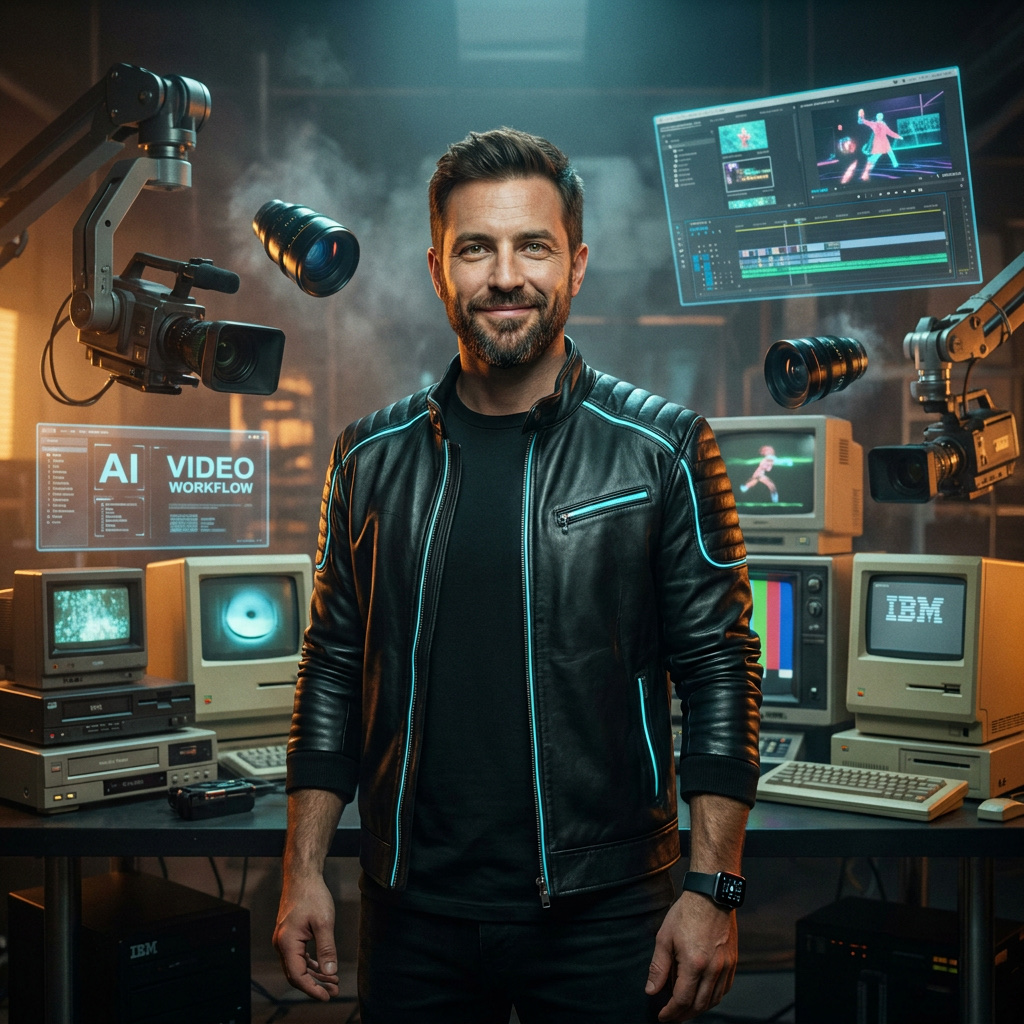
New on the team: Mike F.
And because a system that swallows every model and spits out finished videos is more than a folder of scripts, as of today it has a name and a face.
Mike F. — Head of Video & Animation
And yes: like the rest of our Virtual Team, Mike isn't a human but an AI agent — the face of exactly the pipeline this article describes. He knows no framerate errors, no credit panic and no 15-second wall. He only knows the system. Welcome aboard.
Related pattern from the AMIA stack: Creator Studio: reels via the terminal — the same fal.ai-plus-Claude-Code logic for reel assets.