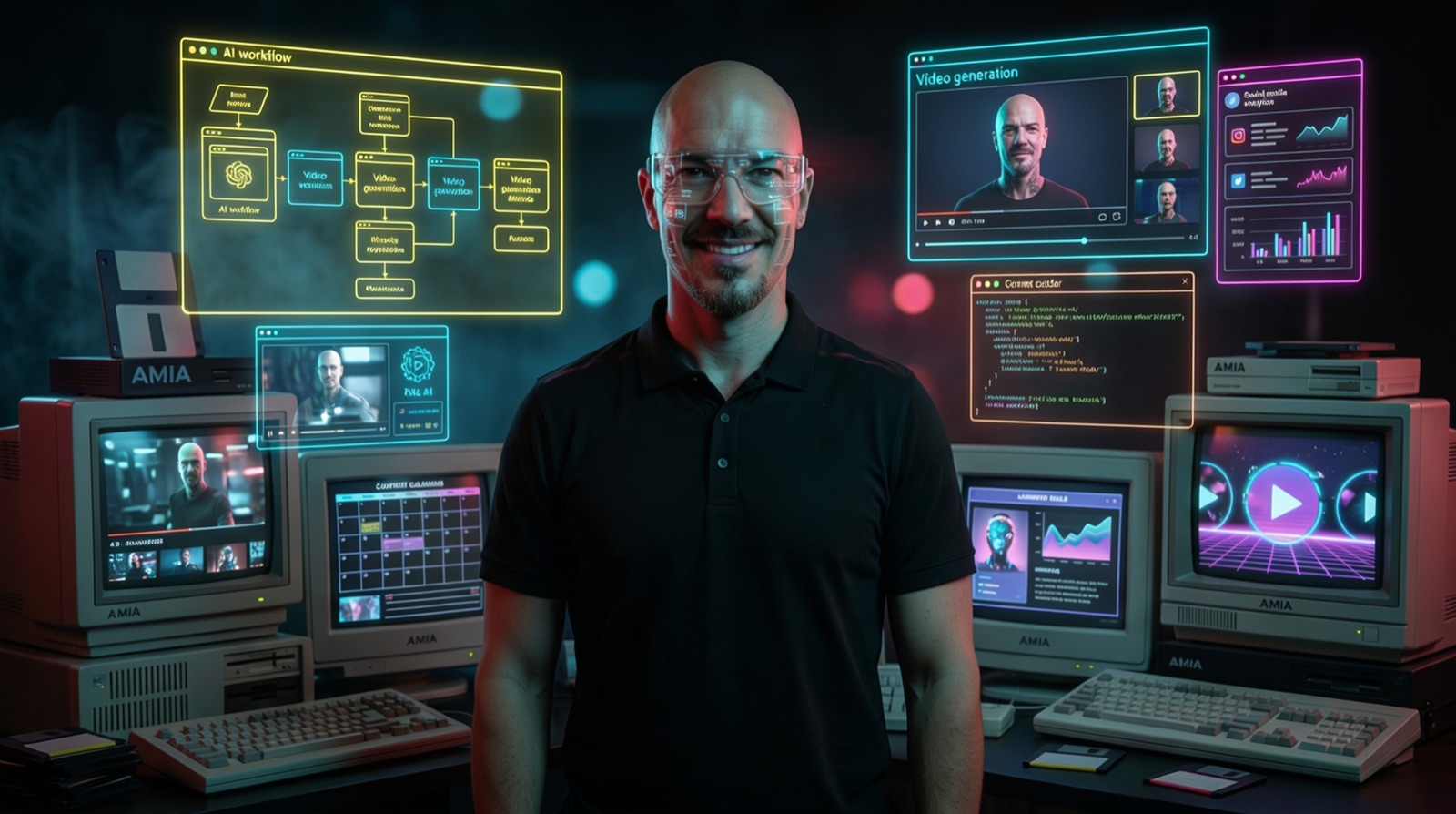
- Why "building each reel by hand" is the actual bottleneck in creator work — not the idea
- The 3-layer pipeline:
fal.aigenerates (image + video from one source),Claude Codeorchestrates, MCP is the bridge - The one MCP command that turns your terminal into a mini studio — plus my operator quality gates, so you don't drown in your own output two weeks in
Why "one reel at a time" is the killer
Most creators don't fail on ideas — they fail on the production maths. Three reels a week sounds cute until you notice each one costs 60–90 minutes of asset work on average: hunt or generate the image, generate the clip, ferry files around, copy them into the edit folder, hope you can find the original two weeks later.
The maths flip the moment you put it into one pipeline: one tool that generates, one control desk that orchestrates, one folder logic the desk carries along. Then "one reel or ten" is the same effort.
The pipeline in one sentence
fal.ai generates, Claude Code orchestrates, an MCP connection is the conveyor belt — and your repo folder is the warehouse. Three layers, one direction. You describe what should go in; Claude calls fal.ai, gets image and video back, files both by schema. You fish out the finished assets and cut them together.
- fal.ai (fal.ai) — the generation engine. What matters here: image and video from one source, with pay-per-use. You pay for what you actually generate, and you skip the usual tool-hopping between image generator, video tool and stock library.
- Claude Code — Anthropic's terminal agent (
npm install -g @anthropic-ai/claude-code). Reads your instruction, calls fal.ai, files the outputs, names them cleanly. It's the studio manager, not the generator. - MCP — the protocol that lets Claude Code and fal.ai talk to each other. Connect once, wired permanently.
The hard part — the MCP connection, the actual workflow and my quality gates from real production work — is in the full version:
Full version free with email
The MCP setup with the ready command, my production flow, four operator quality gates and the answers to the most common stumbling questions. Sign up once, unlocked immediately.
Setup — once, then never again
- Create a fal.ai account and API key: fal.ai → Dashboard → Keys → create a new one. The key stays local on your machine; none of it goes back to me or anyone else.
- Wire fal.ai as an MCP server in Claude Code: one command in the terminal, replace
YOUR_FAL_KEY:
claude mcp add --transport http fal-ai https://mcp.fal.ai/mcp --header "Authorization: Bearer YOUR_FAL_KEY"
From this point on, Claude Code can talk to fal.ai directly — no API wrapper, no custom script, no browser tabs.
The production flow, the way I run it
- One folder per reel — e.g.
reels/W24/dual-use-ai/. I tell Claude once a week "lay out the week's structure," then I only add topic subfolders. That folder discipline is the invisible lever: without it you end up with 400 files two months in, all namedfinal_v2_REAL.mp4. - Brief it like a studio: I describe mood, motif, seconds-per-cut, style reference. Claude generates image + video via the fal MCP and files both into the reel folder — with speaking file names.
- Grab the finished assets and stitch them together in edit. CapCut, Premiere, Final Cut — doesn't matter. The time-eating part is done; the creative part is still yours.
The trick isn't in any single step — it's that no step forces a tool switch or window juggling anymore. Everything happens in the same terminal, everything lands in the same place.
My operator quality gates
Four rules that make the difference between "it runs" and "unusable in two months":
Week/topic structure first, then the first command. Anyone generating reels without folder logic drowns by week three. Same as with code: a clean repo is the investment that makes everything else cheap.
The first prompts that really land, I save as templates. Repetition is a feature here, not a bug — style consistency beats any idea explosion. Set up your own prompts/ library in the repo early.
Take one reel cleanly from brief to upload. Only then scale. Anyone running ten in parallel on day one burns budget and learns nothing about their own workflow.
fal.ai delivers top-tier material, but cut rhythm and hook remain human disciplines. Automate the cut and you lose the quirk the account actually needs.
Common stumbling questions
- Do I need coding skills? No. You need to understand what an API key is, where your terminal window opens and how to navigate folders. Claude does the rest — literally.
- What does it cost? fal.ai is pay-per-use. You pay per generated asset, no monthly plan, no minimum term. For me it lands in the low double-digit range per week at normal production — as of 2026.
- When is it not worth it? If you make one reel a month. The setup pays off the moment you produce regularly and need speed.
My take
This pipeline lifted reels out of the "not today" bucket. Not because it takes the creative load away — but because it takes the friction away. What's left is the work you enjoy.
Related pattern from the AMIA stack: Stitch + Claude Code via MCP — same principle, just for front-end design. And if you want to see how I run several such pipelines in parallel: How I installed 184 AI agents with Claude.